← Back to Blog List
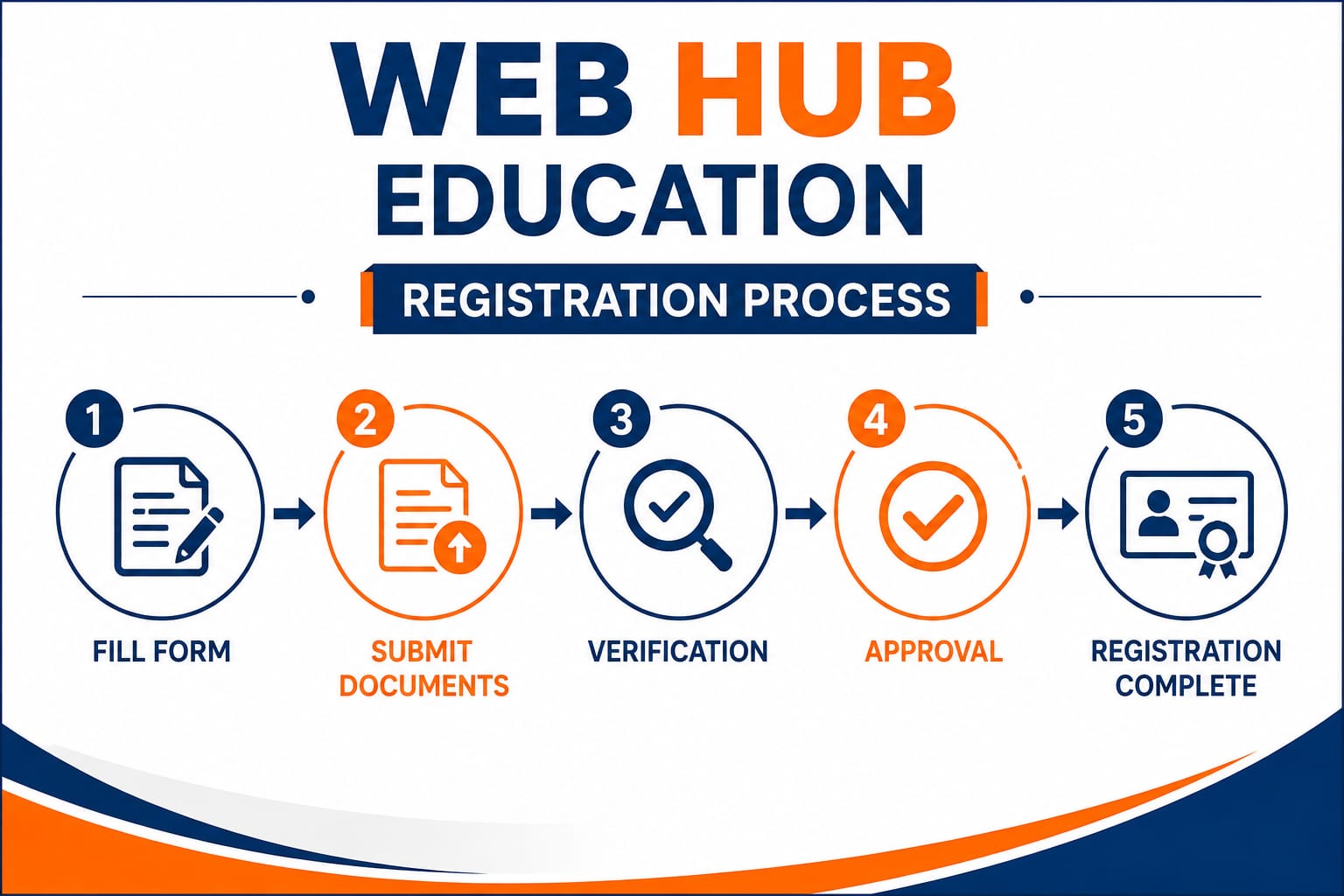
WEB HUB EDUCATION REGISTRATION PROCESS
Posted on Feb 23-2026
Franchise Registration Process
Start Your Journey with Web Hub
Becoming a Web Hub Authorized Training Center is a simple and structured process. Follow the steps below to apply and start your skill development center.
Step 1: Submit Your Application
Fill out the Franchise / Authorized Center Application Form with your basic personal and center details.
You may be required to provide:
Applicant / Director Name
Mobile Number
Email Address
Complete Center Address
State & District
Existing Institute Details, if applicable
Proposed Center Name
Available Infrastructure Details
Selected Course Categories
Step 2: Submit Required Documents
After submitting the application, provide the required documents for verification.
Basic documents may include:
Applicant / Owner ID Proof
Address Proof
Passport-size Photograph
Center / Institute Photographs
Center Address Details
Infrastructure Details
Ownership / Rental Details, wherever applicable
Other documents as required
Step 3: Application Review & Verification
The Web Hub team reviews the submitted application and documents.
The verification may include:
Applicant details
Center location
Infrastructure
Training facilities
Course requirements
Document authenticity
Compliance with applicable Web Hub policies
Application submission does not automatically guarantee approval.
Step 4: Center Approval
After successful verification, the applicant will be informed about the approval and applicable center terms.
The applicant should carefully review all applicable:
Fees
Services
Responsibilities
Center policies
Branding guidelines
Academic procedures
Terms & Conditions
Step 5: Registration / Applicable Fee
After approval and acceptance of the applicable terms, the center may complete the registration/payment process.
All applicable charges should be communicated clearly before payment.
The center should receive appropriate payment acknowledgement/receipt wherever applicable.
Step 6: Authorization & Center Documentation
After completion of the applicable registration process, the center may receive the relevant documentation, such as:
Authorized Center Letter
Center Code
Registration / Authorization Certificate, where applicable
Center Guidelines
Branding Guidelines
Other applicable documents
Step 7: Center Setup & Branding
The center can prepare its training facility according to the selected courses and applicable Web Hub guidelines.
Basic setup may include:
Classroom / Training Space
Computer Systems
Internet Connection
Tables & Chairs
Power Supply
Course-specific Equipment
Suitable Trainers / Instructors
Web Hub promotional materials, wherever applicable
Step 8: Center Login & Digital Access
Where applicable, the authorized center may receive access to the Web Hub's digital systems.
This may include:
Center Login
Student Admission System
Student Records
Digital Content
Student Verification
Academic Documentation
Access and available features depend on the applicable center plan and Web Hub system.
Step 9: Student Admissions
Once the center is authorized and operational, it can begin student admissions for the courses permitted under its authorization.
The center should:
Provide students with accurate course information.
Complete the required admission documentation.
Maintain proper student records.
Conduct training according to the applicable course structure.
Follow Web Hub's education and documentation procedures.
Step 10: Training & Academic Process
Students receive training according to their selected course.
Depending on the course, the academic process may include:
Admission → Training → Practical/Learning Activities → Assessment/Examination → Result → Certificate/Marksheet verification
The applicable process may vary according to the selected course.
Step 11: Certificate & Marksheet Process
After successful completion of the applicable course requirements and assessment process, eligible students can receive the relevant certificate and marksheet through the prescribed Web Hub process.
Where available, certificates may include a unique identification number / verification facility.
Step 12: Continuous Center Support
After registration, Web Hub can provide applicable support to authorized centers in areas such as:
Course Guidance
Student Admission Support
Academic Documentation
Certificate & Marksheet Support
Certificate Verification
Marketing Materials
Digital Learning Resources
Panal Support, wherever applicable
Center Operational Guidance
Registration Process at a Glance
1. Apply Online
↓
2. Submit Documents
↓
3. Application Verification
↓
4. Approval
↓
5. Complete Registration
↓
6. Receive Authorization & Center Details
↓
7. Setup Your Center
↓
8. Get Applicable Digital Access
↓
9. Start Student Admissions
↓
10. Training & Academic Process
↓
11. Certificate & Marksheet
↓
12. Continuous Support
Important Information
Web Hub follows a verification-based authorization process. Applicants are advised to provide correct information and genuine documents.
All franchise/center benefits, fees, facilities, authorization rights and services are subject to the applicable center plan, written terms and conditions, and Web Hub policies.
Ready to Start?
Apply for Web Hub Authorized Training Center
Apply Now → Submit Documents → Get Verified → Get Authorized → Start Your Center